Make and manage outbound calls right inside your browser — no mobile app needed.
The in-browser Dialer (Softphone) lets you make outbound calls inside your browser instead of using the mobile app. It works on both desktop and mobile browsers.
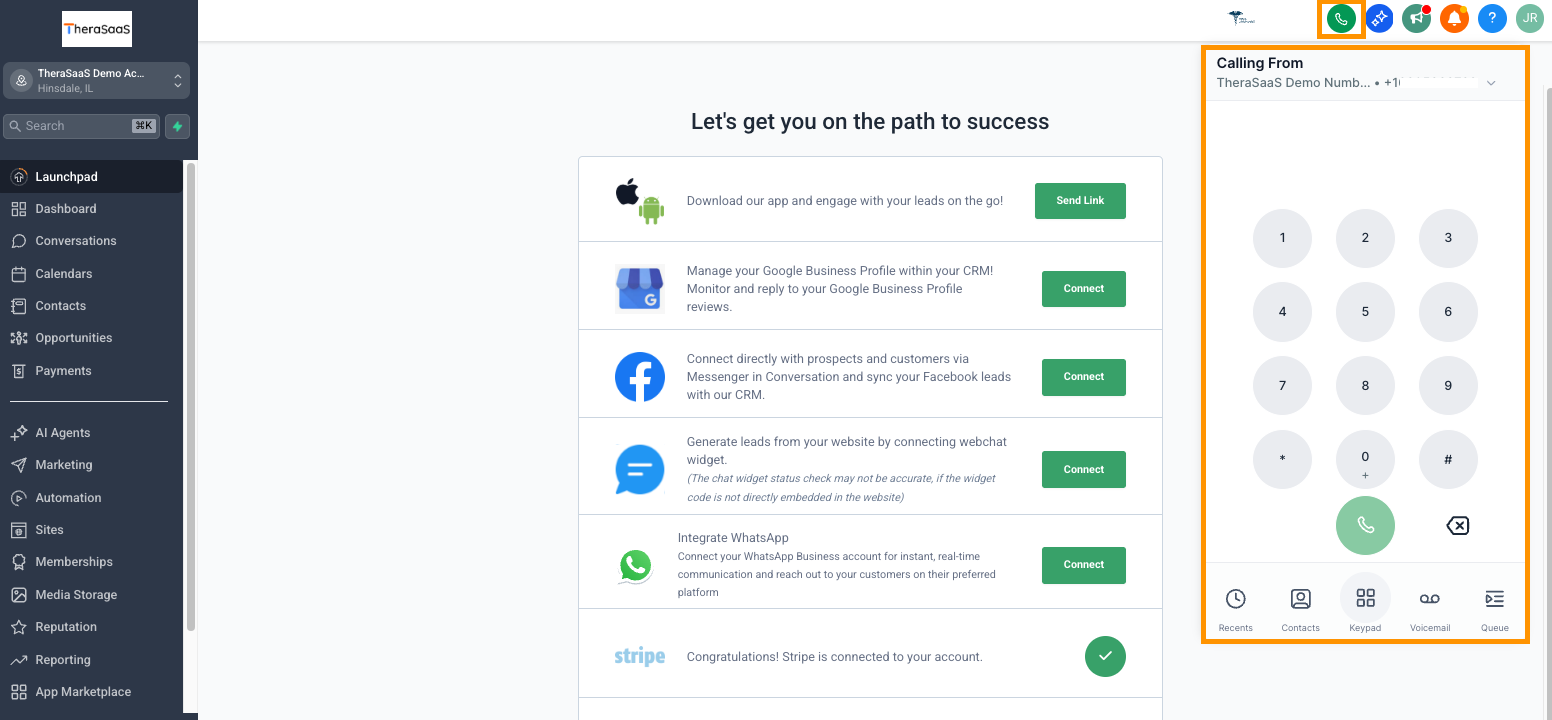
On the top bar — visible on nearly every page — click the green phone icon to open the Dialer. From there you have several options:
- - Dial manually using the on-screen buttons.
- - Select a recently used number.
- - Search for a contact.
Turns off your microphone so the other person can't hear you.
Puts the entire call on hold — neither side can hear the other.
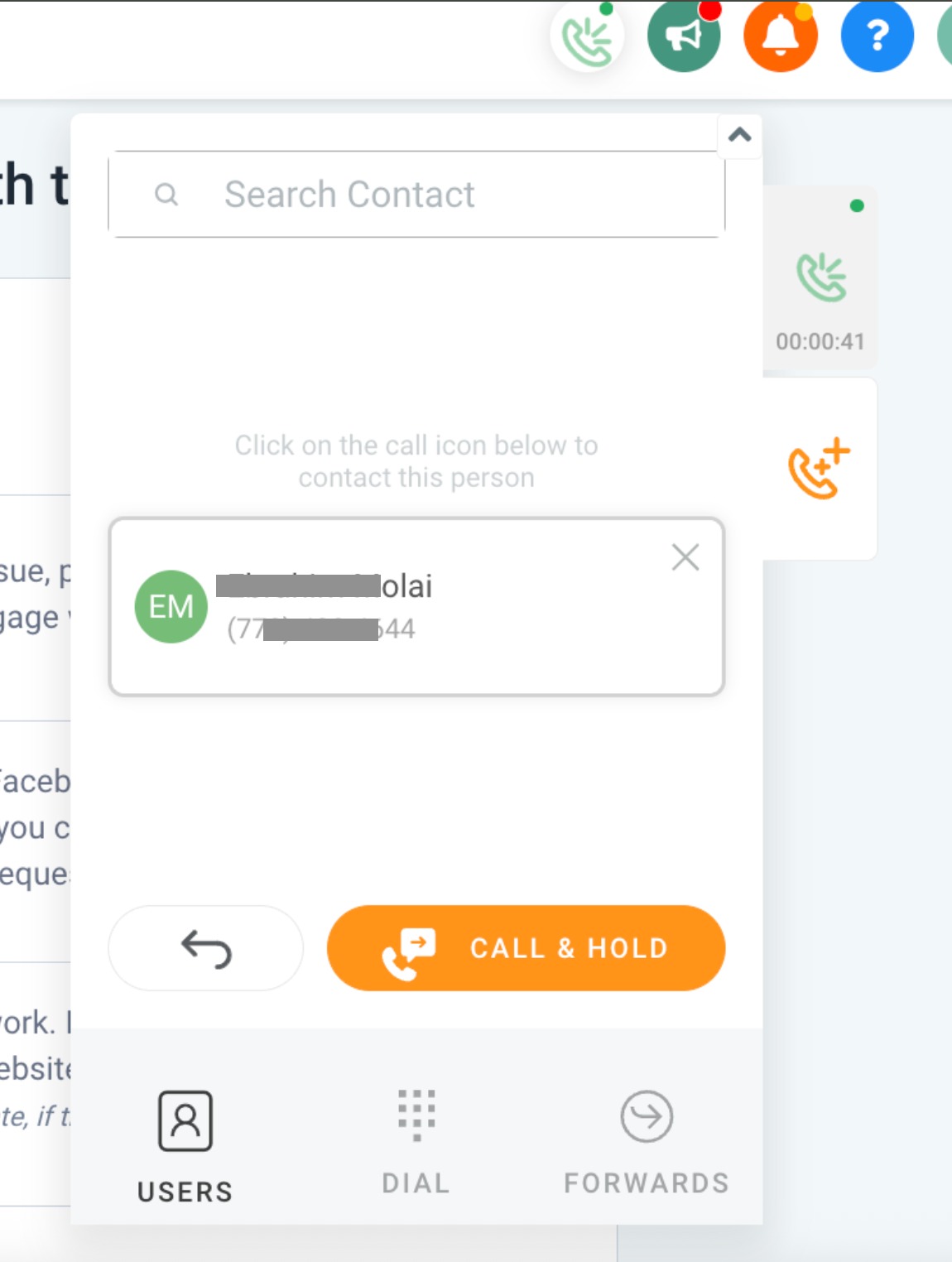
Call another user (search for a user or dial a number) and speak with them before transferring. This opens a second call you can switch between. Click Patch Call to connect the two calls together.
Redirect the call to another number and disconnect yourself from it immediately.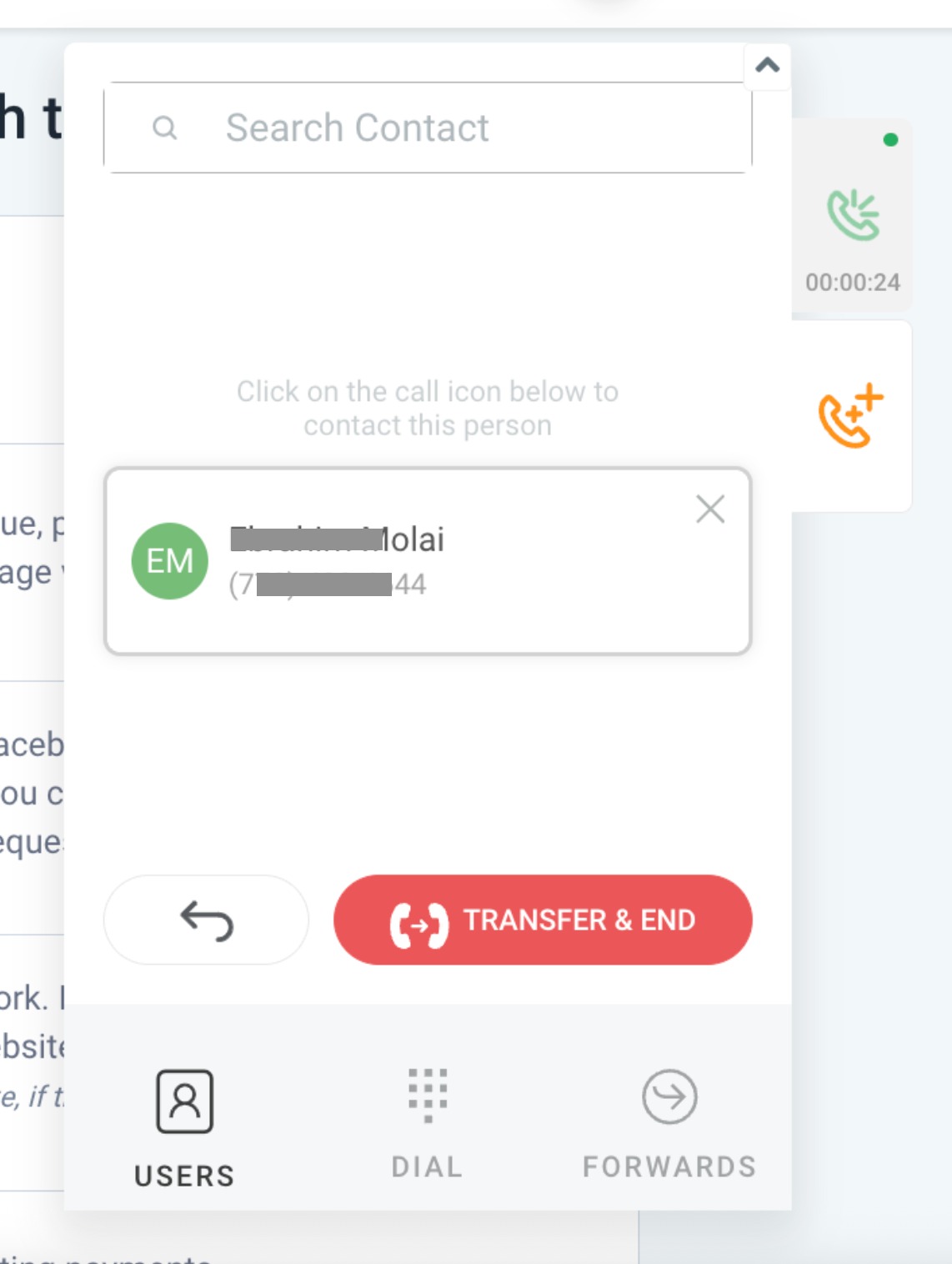
Use warm transfer when the next person needs context, and blind transfer when the call just needs to move quickly. Search contacts directly so calls log to the right record.
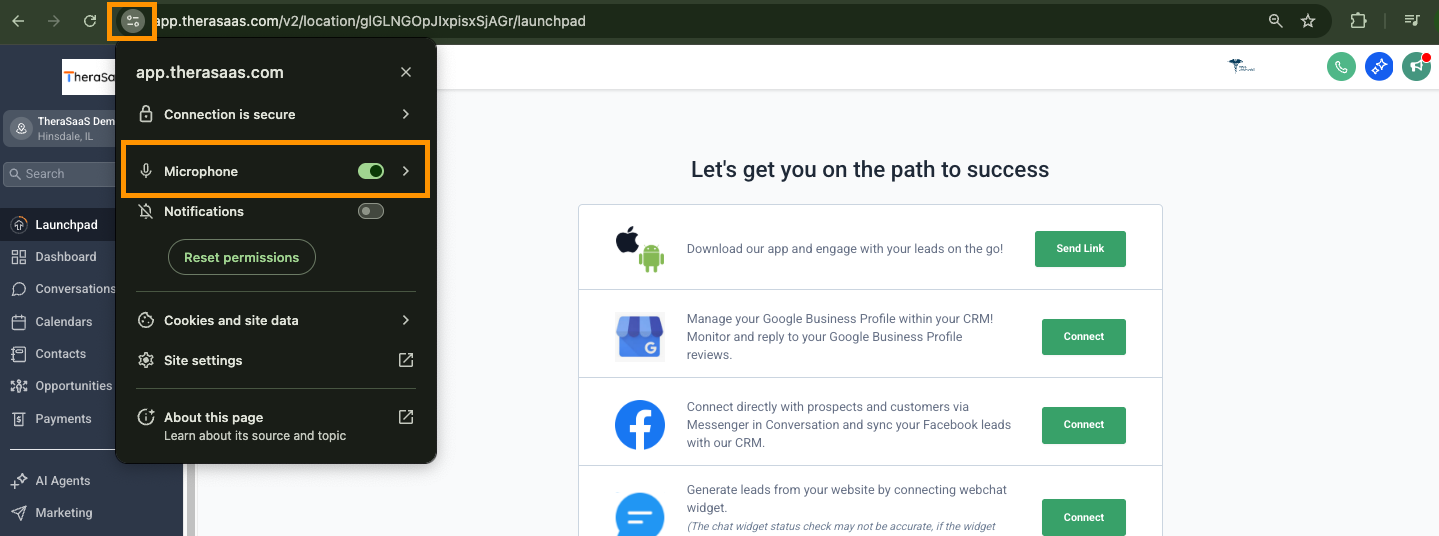
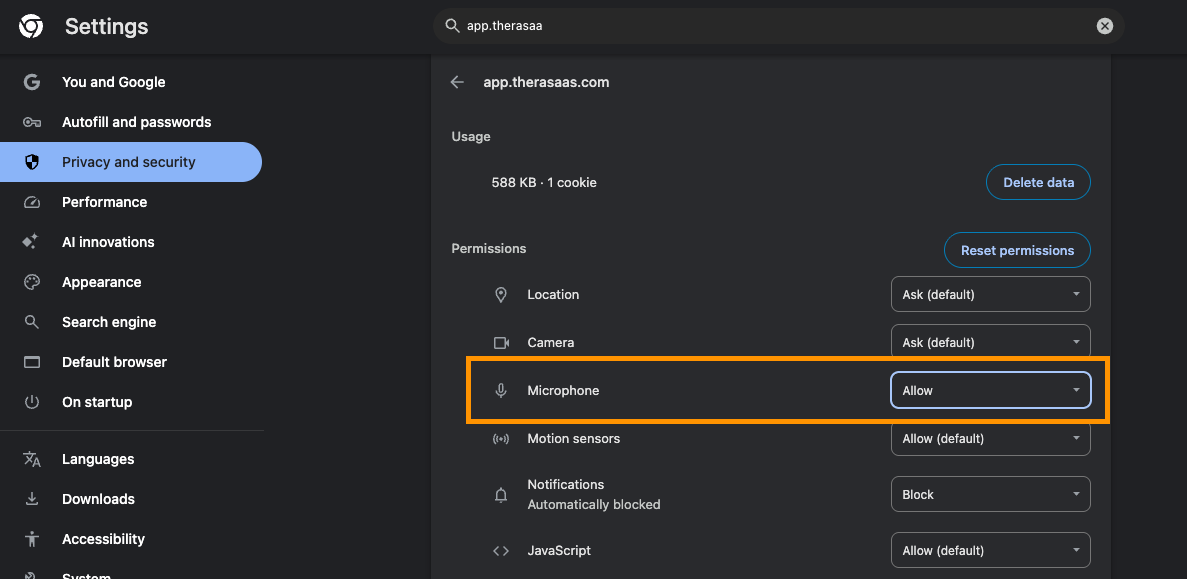
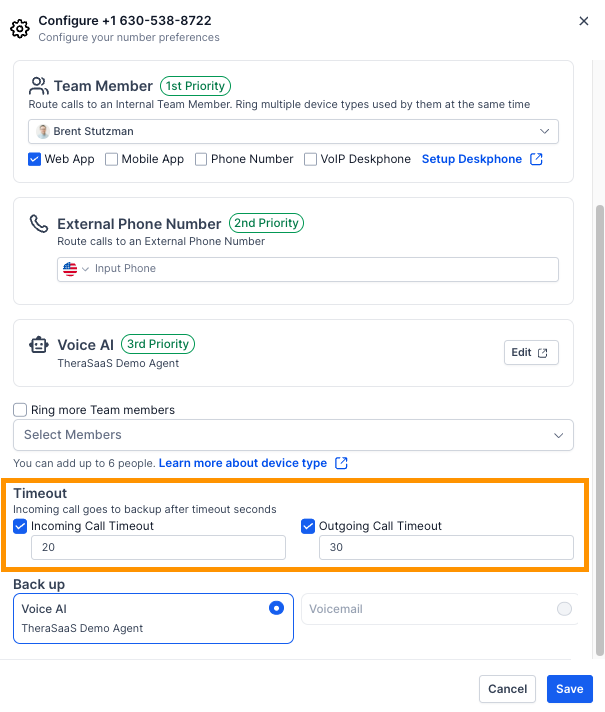
Most Dialer problems come down to microphone permissions or an interfering extension (often a VPN). Check those first, then confirm the call timeout settings.
Was this article helpful?
That’s Great!
Thank you for your feedback
Sorry! We couldn't be helpful
Thank you for your feedback
Feedback sent
We appreciate your effort and will try to fix the article